Off
Just you and the page.
No AI is loaded. No listening. No suggestions. Clearly becomes a plain, beautiful writing app.
 Clearly
Clearly beta · macOS
Clearly is local-first. Nothing you write leaves your device unless you send it. You choose when AI helps — or turn it off entirely.
THURSDAY, JULY 9

Your journal is not a dataset. Your mood is not a score. You decide what matters.
You are in control
Most apps decide for you. Clearly hands you the switch — per feature, not one blanket toggle.
No AI is loaded. No listening. No suggestions. Clearly becomes a plain, beautiful writing app.
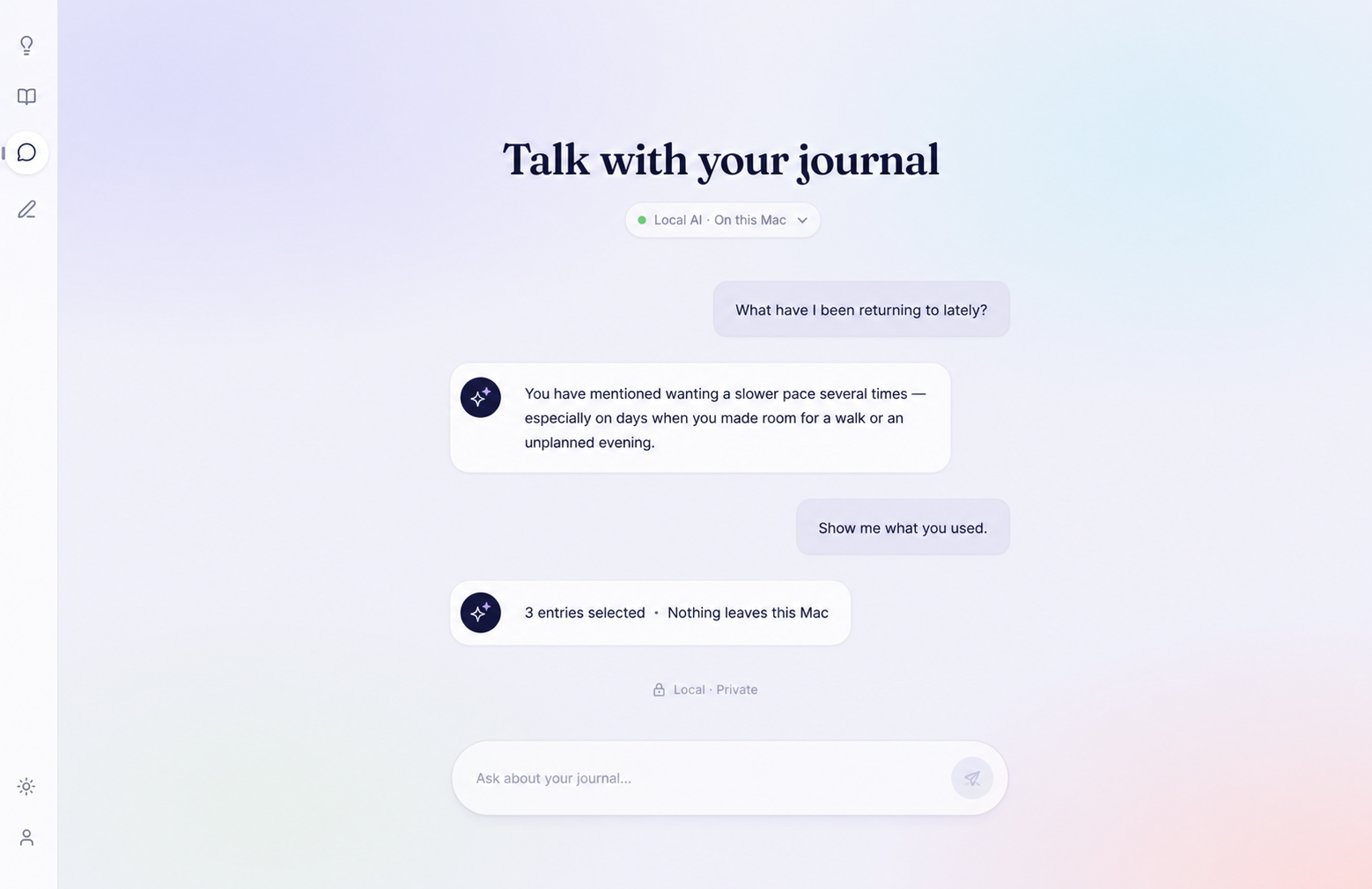
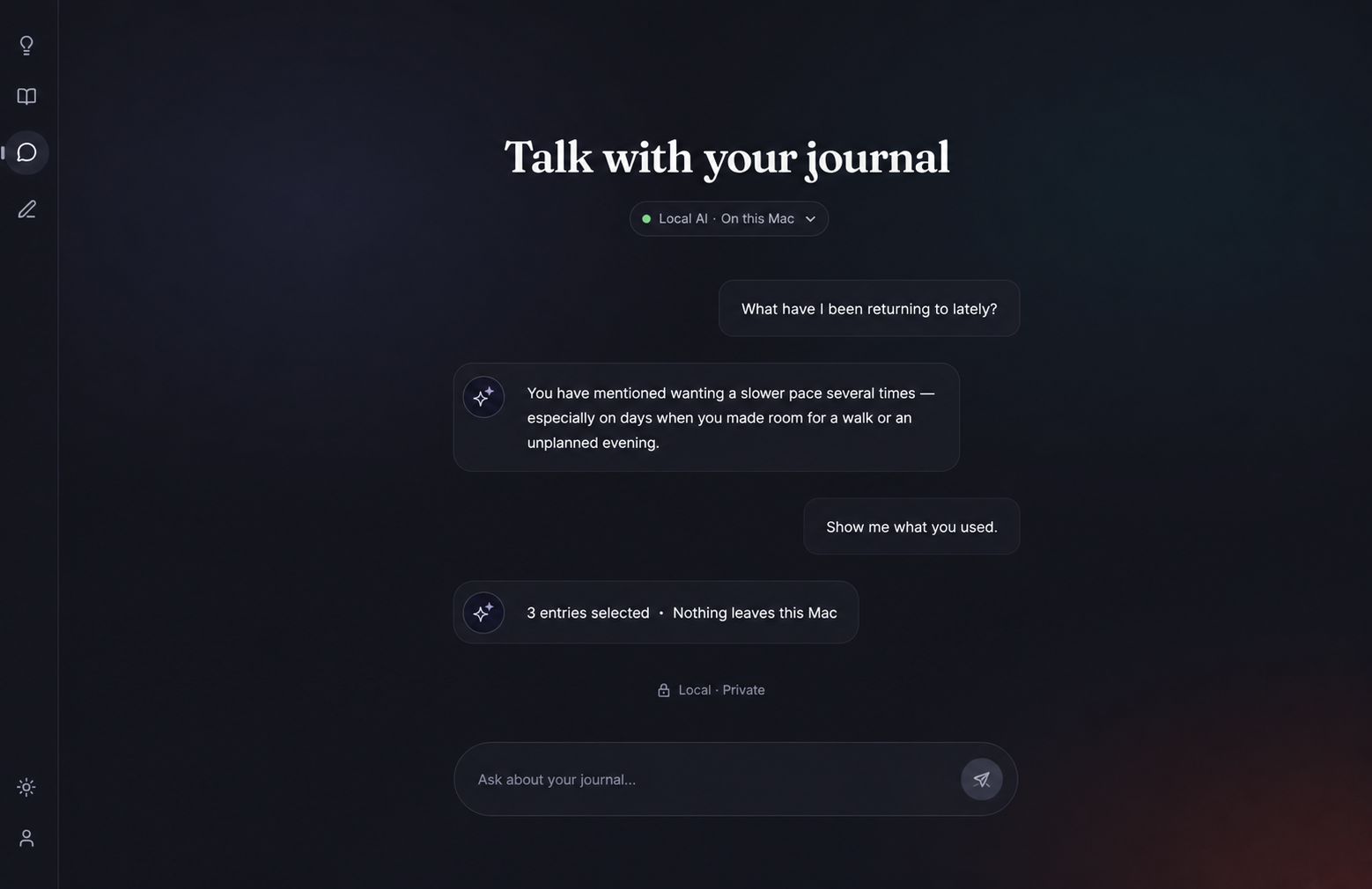
Runs through Ollama on your own machine. Nothing you write ever touches the internet.
Clearly shows the exact text before it is sent, asks first, and remembers nothing you did not choose.
Set it per feature: chat, reflections, weekly insights. Change your mind anytime.
Features
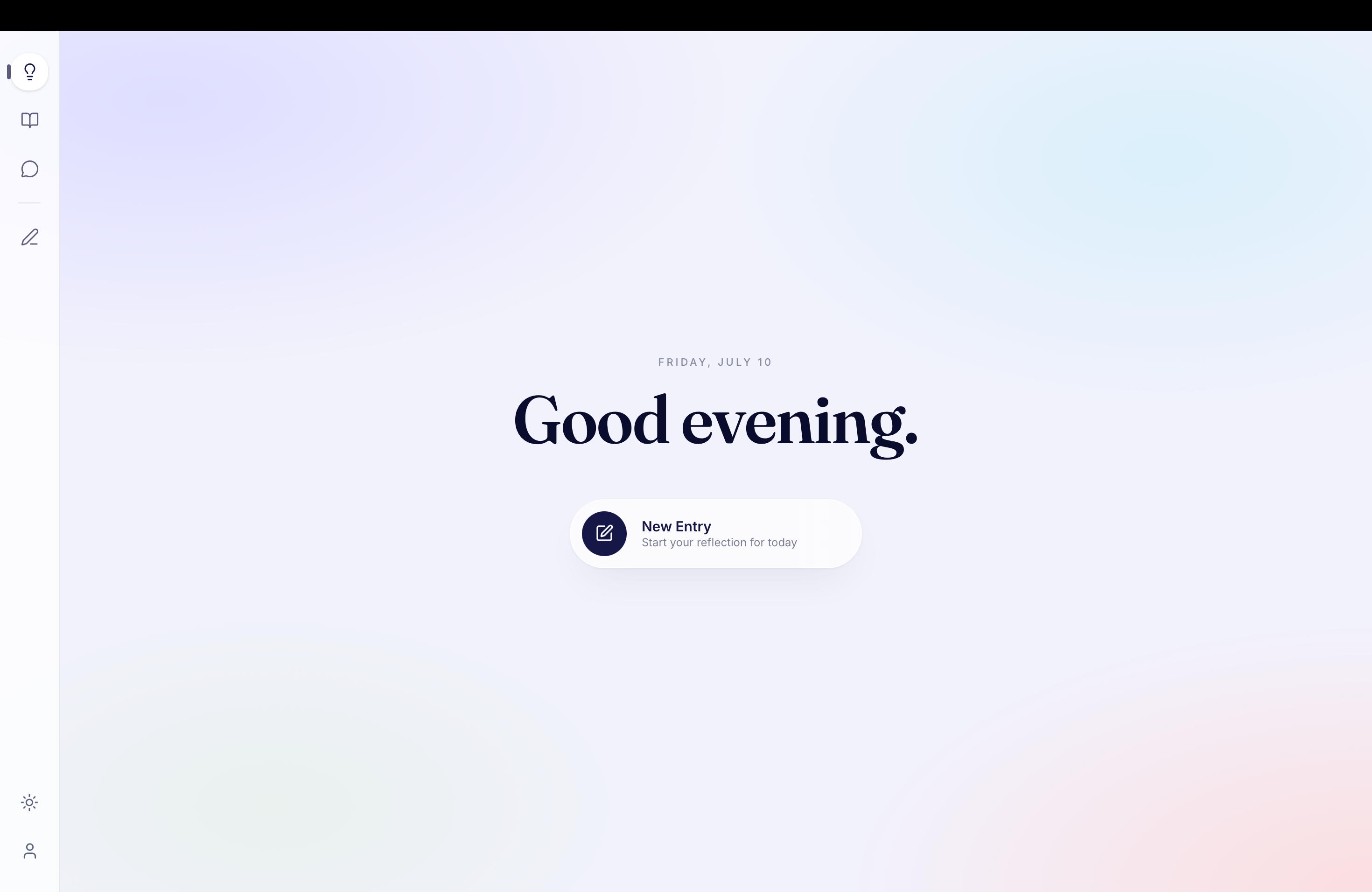
No streaks to defend. No word counts to beat. Open Clearly, land on today, leave one honest sentence — or a thousand.
Chat with your journal, request a reflection, or export selected context. You see exactly what is shared before anything leaves the app.
Notice recurring themes across entries without reducing your mood to a number. Clearly is built for reflection, not self-surveillance.
Local-first by design
No account. No sync you did not ask for. No AI reading while you write. Your vault stays on your device — you decide what, if anything, ever leaves it.
Inside Clearly
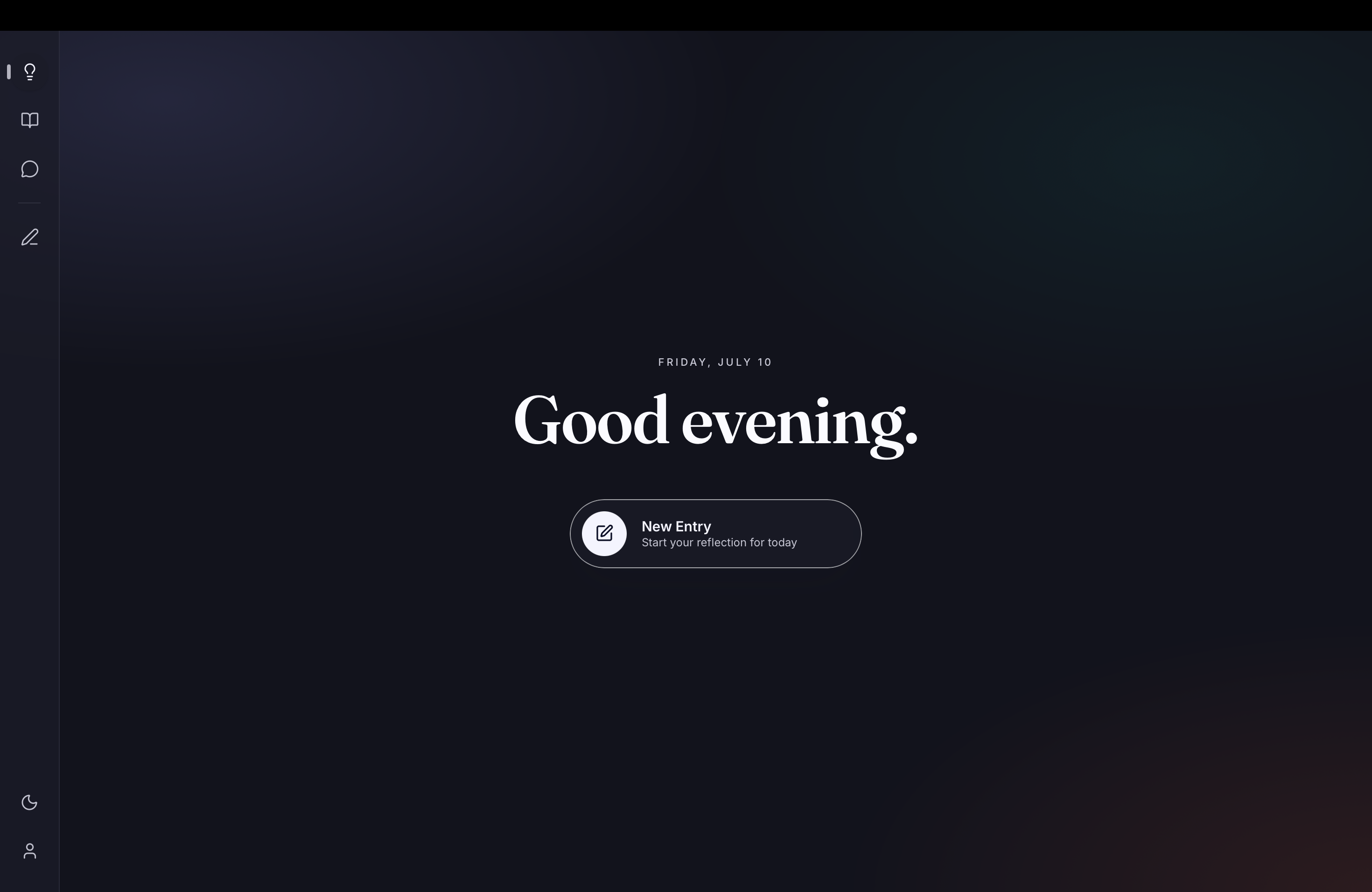
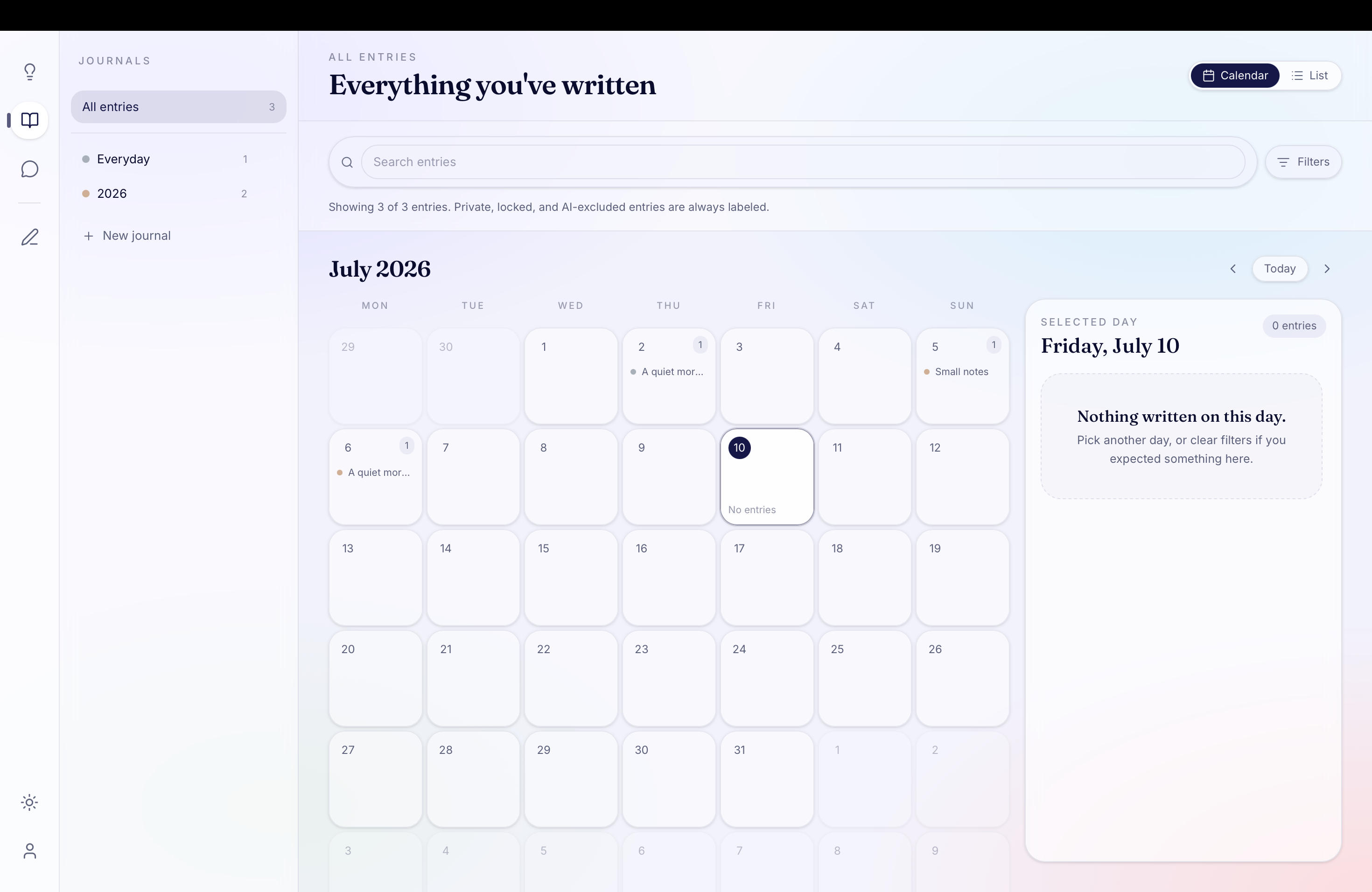
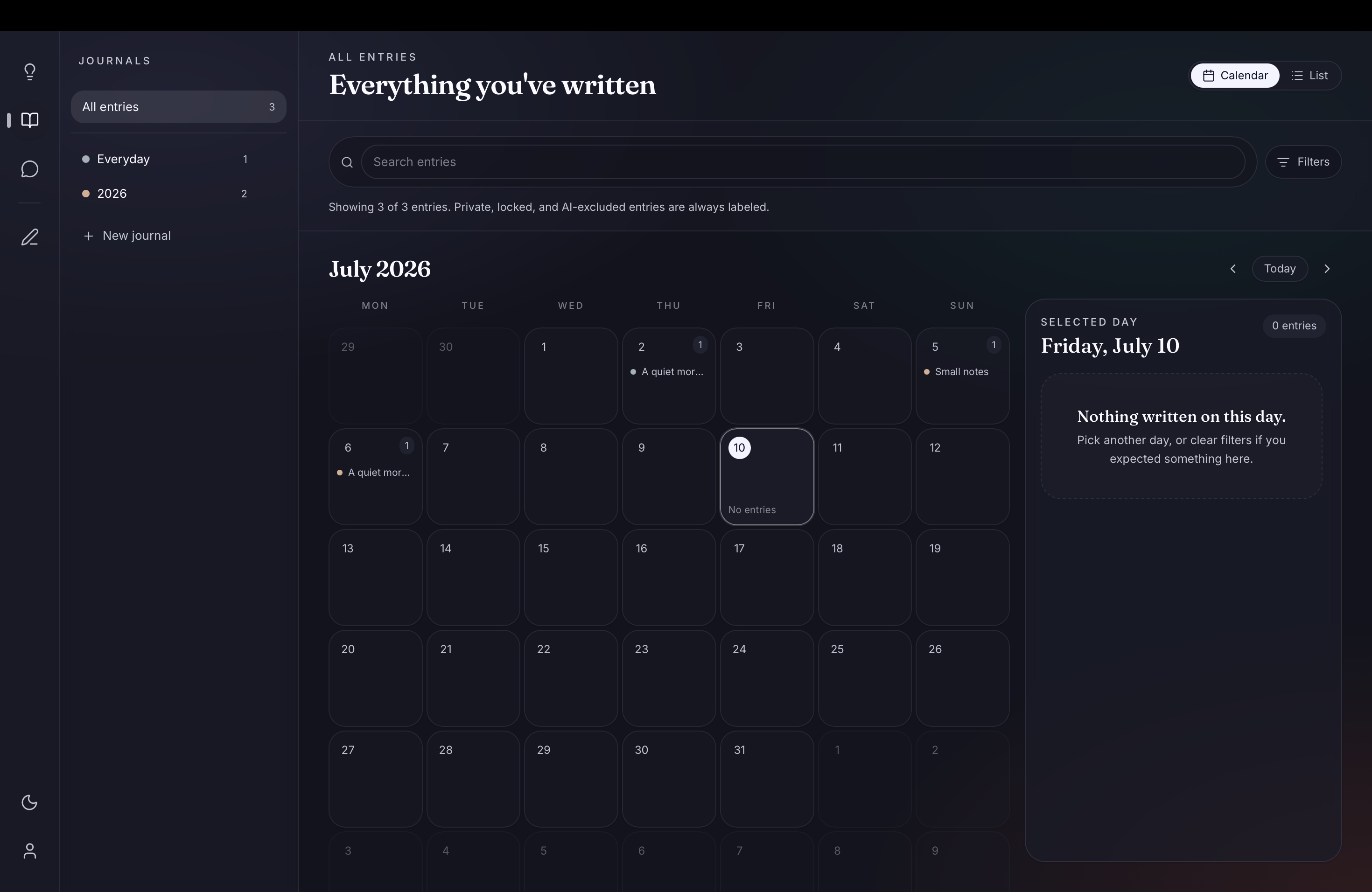
The page stays quiet. The tools wait nearby. AI never enters the room without being invited.
I gave myself enough time to notice the day instead of trying to explain it.
Ready when you are
Clearly Beta for macOS. Free during beta. No account required.
The beta is not Apple-signed yet. If macOS blocks it, nothing is wrong with the app.
macOS 12 or newer · Apple Silicon & Intel